Send & sign
Three steps, and the third one is “send”
Most eSignature tools make you lay out fields before you are allowed to send anything. Baton appends a clean signature page instead, so the fast path stays fast. The whole flow is benchmarked in our test suite at under thirty seconds and five clicks.
What this looks like today
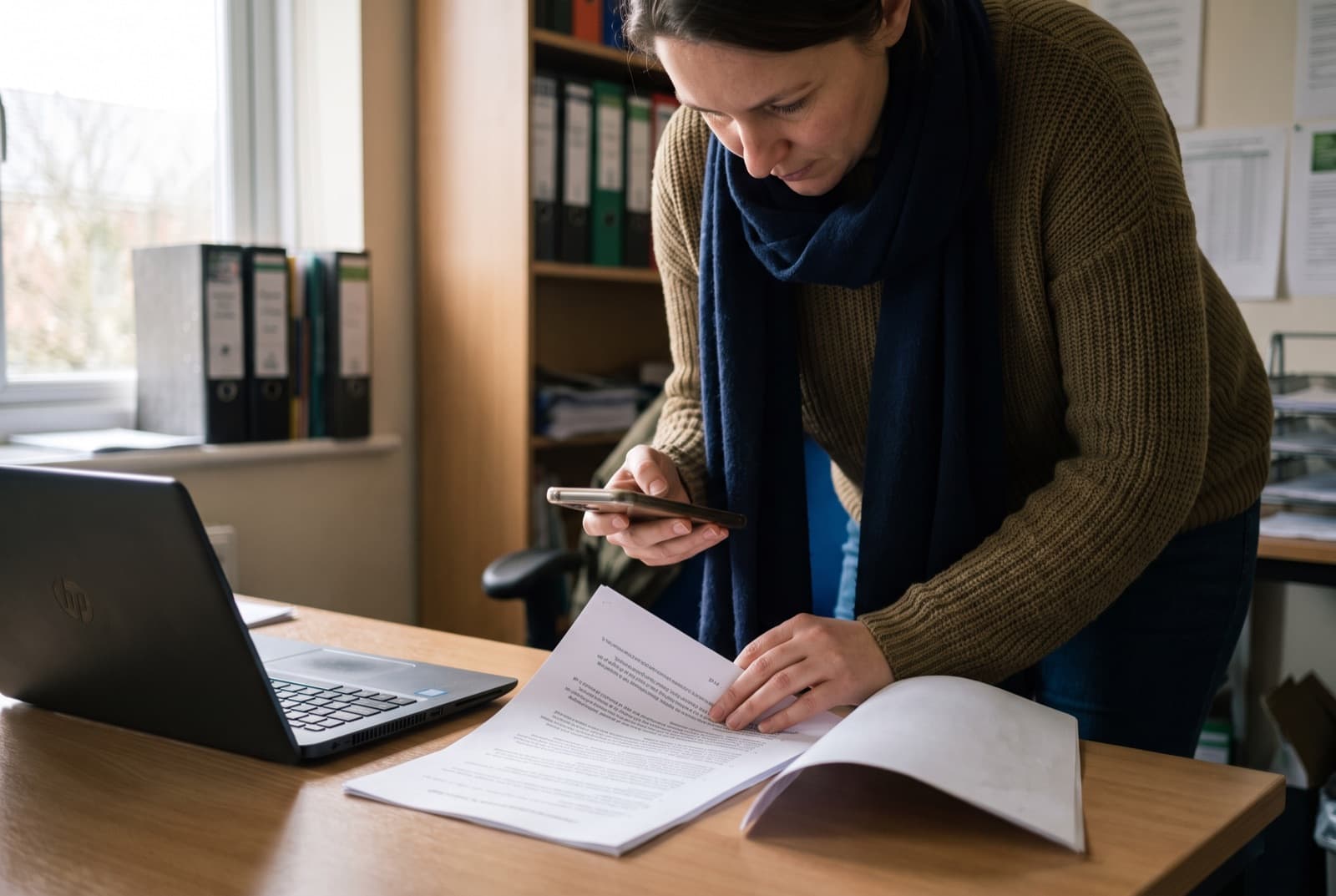
The tool is slower than the email it replaced
Nobody remembers who has to sign first
Signers give up at the account wall
What Baton does about it
- 1
Drop in the PDF
Up to 25 MB. Baton reads the text inside it as it arrives, so you can find it later by what it says rather than what you happened to name the file.
- 2
Say who signs, and in what order
An email address and a number each. The same number means at the same time; a higher number means after. That is the entire routing model. There is no workflow builder to learn, and no diagram to draw.
- 3
Send
Everyone in the first step is emailed immediately. Nobody downstream hears a word until it is genuinely their turn, which is the difference between a routed document and a group email.
What is true right now
Every line below describes something the product does today. Nothing on this page is a roadmap item wearing a feature’s clothes.
- Signers need no account, no password, and no app. They open a link and sign.
- Signatures can be drawn with a finger or typed; both are recorded with attribution.
- A signing link works once. Using it, or finishing the document, closes it.
- A recipient can be a signer, an approver who never signs, or simply copied in.
The rest of the product
Send your first document today
Sign in with your email. We send a six-digit code, there is no password to invent. Name your organization, and you are on the board.
Start free150 documents a year free for nonprofits. No credit card to start.